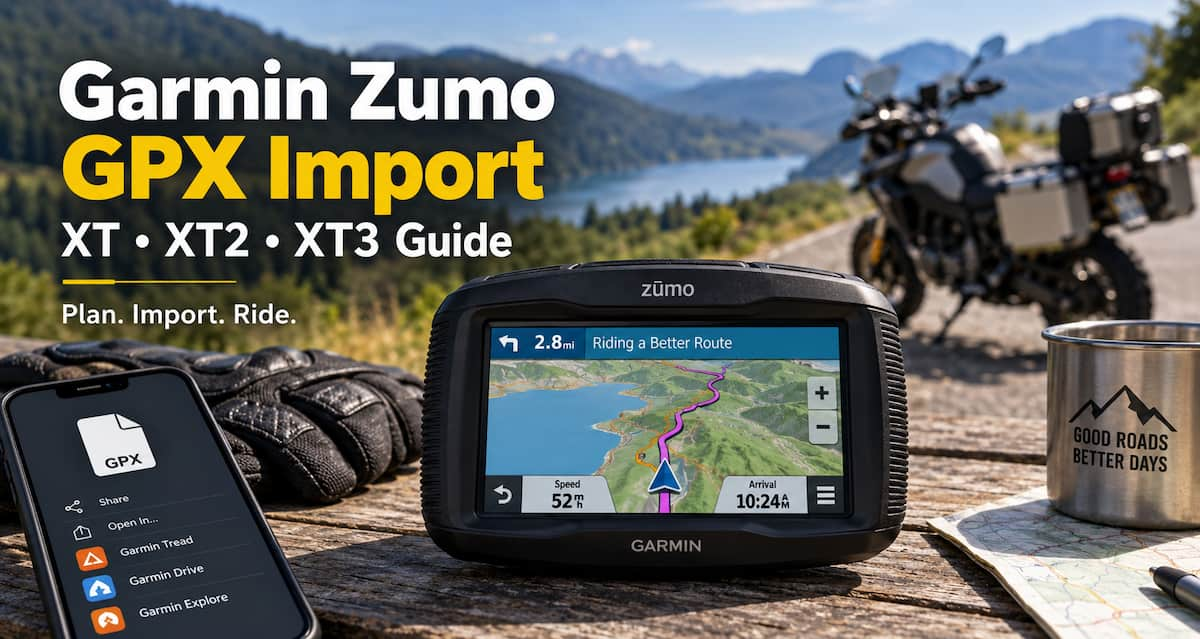
A Garmin Zumo GPX import lets you transfer motorcycle routes, tracks and waypoints from a phone or computer to your Zumo GPS. Whether you use a Zumo XT, XT2 or XT3, GPX files are one of the easiest ways to plan a ride somewhere else and then bring that trip with you on the motorcycle.
The process has changed considerably since Garmin BaseCamp was the standard way to transfer GPX files. Zumo XT2 and XT3 owners can now use the Garmin Tread app, while the original Zumo XT works with Garmin Drive and Garmin Explore. Direct USB and microSD transfers are also available on certain models.
This guide covers Garmin Zumo GPX files, the best import method for each current Zumo generation, and what to check when an imported route looks different from the one you originally planned.
What Is a GPX File?
GPX stands for GPS Exchange Format. A GPX file can contain several types of navigation data, including routes, tracks and waypoints.
- Routes tell the GPS how you intend to travel between a series of locations.
- Tracks represent a specific path across the map.
- Waypoints represent saved locations such as gas stations, hotels, restaurants or scenic stops.
The advantage of GPX is portability. You can create a motorcycle route using one application, export it as a GPX file and then import that file into a compatible Garmin GPS.
For motorcycle riders, this can be far more useful than simply typing a destination into the Zumo and allowing the GPS to decide how to get there.
You might spend an evening planning a 300-mile ride that follows certain back roads, avoids the interstate and includes several fuel and lunch stops. Saving the ride as a GPX file lets you transfer that plan to the Zumo before leaving.
Garmin Zumo GPX Import Methods by Model
The best Garmin Zumo GPX import method depends primarily on which Zumo generation you own.
| Garmin Zumo | Recommended GPX Method | Other Options |
|---|---|---|
| Zumo XT3 | Garmin Tread app | USB transfer, memory card |
| Zumo XT2 | Garmin Tread app | Memory card |
| Zumo XT | Garmin Drive / Garmin Explore | BaseCamp, USB, microSD |
| Older Zumo models | BaseCamp / computer transfer | microSD where supported |
The biggest change for longtime Garmin owners is that BaseCamp is no longer the default answer for every Zumo. Garmin’s newer motorcycle GPS models rely much more heavily on phone-based route management.
Garmin Zumo GPX Import on the XT3 and XT2
If you own a Garmin Zumo XT3 or XT2, the Garmin Tread app is generally the easiest place to start.
A GPX file can arrive through email, a website, cloud storage or another route-planning application. Once the GPX file is available on your phone, it can be opened or shared with Garmin Tread.
Import a GPX File Using Garmin Tread
- Save or download the GPX file to your phone.
- Open or select the GPX file.
- Choose Garmin Tread as the app that should open or receive the file.
- Select an existing collection or create a new one.
- Allow the Tread app to synchronize with your Zumo.
The imported route, track or waypoint can then appear in the Saved portion of the Tread app and synchronize with the compatible Zumo.
This can be especially useful during a motorcycle trip. Another rider can send you tomorrow’s route as a GPX file and you can transfer it to the Zumo without unpacking a laptop.
Importing a GPX File Directly to the Garmin Zumo XT3
The Zumo XT3 also gives you the option of transferring GPX files using a computer.
This can be useful if you keep a larger collection of motorcycle routes on a desktop or laptop and prefer managing them as files.
- Connect the Zumo XT3 to your computer with a USB cable.
- Allow the Zumo to connect to the computer.
- Open the Zumo storage using your computer’s file browser.
- Locate the GPX folder.
- Copy the GPX file into that folder.
- Safely disconnect the Garmin when the transfer is complete.
This is an important improvement over the older Garmin workflow. You do not need to use BaseCamp every time you simply want to place an existing GPX file onto the GPS.
Importing GPX Files to the Original Garmin Zumo XT
The original Zumo XT uses a different software setup than the XT2 and XT3.
Instead of Garmin Tread, the original XT works with Garmin Drive and Garmin Explore.
Using Garmin Explore
Garmin Explore can store waypoints, routes and tracks and synchronize them with the Zumo XT through Garmin Drive.
This is useful if you maintain a larger collection of destinations, routes or tracks and want them available across devices.
Send a GPX File Using Garmin Drive
You can also send a GPX file from your phone to the original Zumo XT using Garmin Drive.
- Open the GPX file on your phone.
- Choose the option to share the file.
- Select Garmin Drive.
- Select your Zumo XT.
- Send the GPX file to the GPS.
If the GPS is not currently connected, the file can be transferred the next time the phone and Zumo reconnect.
Using a microSD Card for Garmin Zumo GPX Files
A microSD card remains useful for Garmin Zumo owners, particularly riders who keep collections of maps, routes or tracks.
Folder placement can matter when transferring GPX files manually. Simply dropping a file into a random folder on the memory card may not allow the Zumo to find it.
On the original Zumo XT, GPX files stored on the card should be placed in:
Garmin/GPX/
If you use expandable storage in your Garmin, see our guide to installing a microSD card in a Garmin Zumo.
The Zumo XT3 also includes a memory-card slot, which can be useful for additional maps and navigation data.
Do You Still Need Garmin BaseCamp?
Garmin BaseCamp is still useful, but it is no longer where I would tell a new XT2 or XT3 owner to begin.
For years BaseCamp was Garmin’s primary desktop program for creating, editing and transferring routes. Riders who own older Zumo models or have years of saved BaseCamp routes may still find it useful.
For current Zumo models, however, Garmin has shifted much of the route-management workflow toward its mobile apps.
If you already have routes stored in BaseCamp, you can export them as GPX files and then import those files into a newer Zumo workflow.
That means BaseCamp can remain useful as a route library without requiring it to be involved every time you transfer a ride to your motorcycle GPS.
Routes, Tracks and Waypoints Are Different
Understanding the difference between routes, tracks and waypoints is important because a GPX file may contain any combination of the three.
Waypoints
A waypoint is simply a saved geographic location.
Examples might include:
- A hotel
- A gas station
- A restaurant
- A motorcycle dealership
- A scenic overlook
- A meeting point
Waypoints are the least complicated type of GPX data because there is no route calculation involved.
Routes
A route tells the GPS that you want to travel between a series of locations.
The Zumo then calculates which roads to use between those locations.
That distinction matters because the exact path you created on a computer or phone can change after importing it into a Garmin.
Tracks
A track is closer to a breadcrumb trail across the map.
Instead of telling the GPS to calculate roads between several points, a track represents a more specific path.
Tracks can be especially useful for motorcycle touring, adventure riding and situations where following the original path is more important than allowing the GPS to select roads for you.
The Zumo XT3 can manage saved tracks and can also convert certain tracks into routes.
Why Did My Garmin Zumo Change My GPX Route?
This is one of the most common problems riders encounter after performing a Garmin Zumo GPX import.
You may spend considerable time creating the perfect motorcycle route, import it into the Zumo and then discover that part of the route has changed.
That does not necessarily mean the GPX file is broken.
A Garmin Zumo can recalculate an imported route according to the maps and navigation preferences stored on the GPS.
Check settings such as:
- Avoid highways
- Avoid toll roads
- Avoid unpaved roads
- Faster-time routing
- Shorter-distance routing
- Motorcycle routing preferences
If your route-planning application and Zumo are using different assumptions, the resulting route may not match perfectly.
If preserving a particular path is important, consider transferring a track along with the route. The track can provide a visual reference showing where the original route was intended to go.
Where Can You Get Motorcycle GPX Files?
You do not need to create every GPX file yourself.
Motorcycle GPX files are commonly shared by:
- Motorcycle clubs
- Organized rides
- Touring groups
- Adventure-riding communities
- Route-planning services
- Other riders
You can also create a route using your preferred trip-planning software and export the completed ride as a GPX file.
This separates route planning from navigation. Planning a complicated multi-stop ride is usually easier on a computer, tablet or large phone screen than while standing beside the motorcycle tapping on the GPS.
GPX Files vs Garmin Maps
A GPX file is not normally a complete map.
Instead, it contains navigation information such as routes, tracks and locations that are displayed over mapping data already installed on the Garmin.
Garmin devices can also use several different kinds of maps. If you are trying to understand how those maps differ from GPX route data, see our guide to Garmin GPS map types.
Should You Upgrade an Older Garmin Zumo?
There is no reason to replace an older Garmin Zumo if it still does everything you need.
GPX support is one reason older motorcycle GPS units can remain useful for many years.
However, current Garmin models are easier to integrate with phones and newer route-planning workflows. The Zumo XT3 adds modern route sharing, Garmin Tread integration and newer motorcycle-navigation features while retaining the ability to work with GPX files.
If you are installing a new Zumo on your motorcycle, our motorcycle GPS installation guide covers the basics of mounting and powering a motorcycle GPS.
Garmin Zumo GPX Import FAQ
Can the Garmin Zumo XT3 import GPX files?
Yes. The Garmin Zumo XT3 can import GPX files containing routes, tracks and waypoints. Garmin Tread is one of the easiest methods, while direct file transfer from a computer is also available.
Can the Garmin Zumo XT2 import GPX files?
Yes. The Garmin Zumo XT2 supports GPX files and works with Garmin Tread for route, track and waypoint management.
Can the Garmin Zumo XT import GPX files?
Yes. The original Zumo XT supports GPX files through Garmin Drive, Garmin Explore, BaseCamp and manual file-transfer methods.
Does the original Zumo XT use Garmin Tread?
No. The original Zumo XT uses Garmin Drive and Garmin Explore. Garmin Tread is used with newer Zumo models such as the XT2 and XT3.
Do I need Garmin BaseCamp to import a GPX file?
No. BaseCamp remains useful for older Garmin devices and existing route libraries, but it is not required simply to import GPX files onto newer Zumo models.
Why does my GPX route change after I import it?
The Zumo may recalculate the route using the maps and navigation preferences configured on the GPS. Road avoidances, routing preferences and differences between map data can all alter the final route.
Can I use a GPX track instead of a route?
Yes. Tracks are useful when following a specific path matters more than allowing the GPS to calculate roads between destinations.
Can I put GPX files on a Zumo microSD card?
Yes, on compatible models. The GPX files must be placed in the correct folder structure so the Zumo can recognize them.
Bottom Line
GPX files remain one of the best reasons to use a dedicated Garmin motorcycle GPS. They let you plan complicated rides before leaving home, exchange routes with other riders and maintain collections of favorite roads, waypoints and tracks.
The biggest change is how those files reach the GPS. Zumo XT2 and XT3 owners should generally start with Garmin Tread. Original Zumo XT owners can use Garmin Drive and Explore, while BaseCamp continues to make sense for older devices and established route libraries.
Whichever method you use, review the route on the Zumo before starting the ride. The GPX file may contain the trip you planned, but the navigation settings on the GPS can still influence the roads the Garmin ultimately chooses.