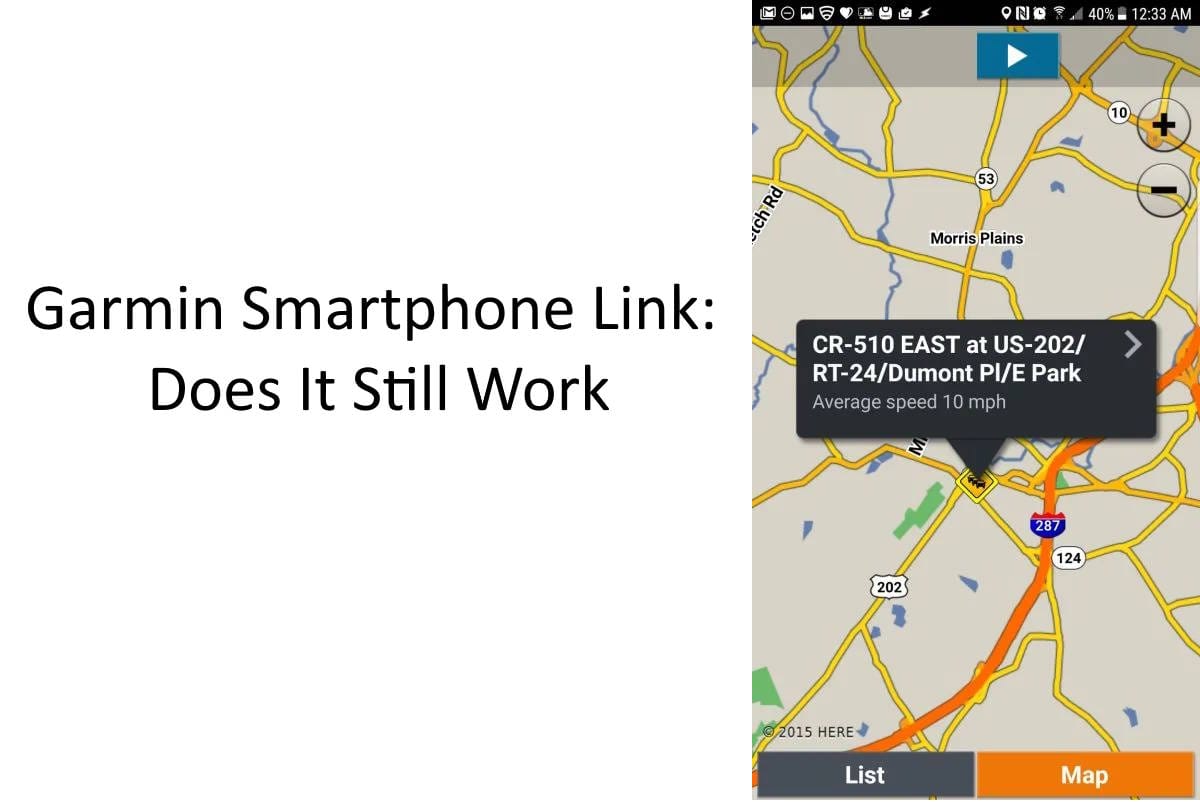
Garmin Smartphone Link was once an important companion app for Garmin motorcycle GPS devices, bringing traffic information, weather, notifications and other connected features to compatible navigators. It is still available for Android and iPhone, but Garmin has moved newer motorcycle GPS models to different apps. If you own an older Garmin Zumo, Smartphone Link may still be useful. If you have a Zumo XT, XT2 or XT3, you need a different application.
The distinction matters because Garmin has used several different smartphone applications over the years. Installing the wrong one will not provide the connectivity features advertised for your GPS. Making things more complicated, Garmin now lists Smartphone Link among its legacy applications that no longer receive software support for newer mobile operating systems.
In this updated Garmin Smartphone Link overview, we’ll explain what the original app does, which motorcycle GPS models support it, what has changed and which Garmin application you should use today.
What Is Garmin Smartphone Link?
Garmin Smartphone Link is a free companion application developed to connect certain Garmin GPS navigators with Android phones and iPhones. It uses a Bluetooth connection to communicate with a compatible GPS, allowing the navigator to access additional information through the phone’s cellular data connection.
This was an important advancement when it first appeared. A conventional GPS could determine its location, calculate a route and provide turn-by-turn instructions without needing a phone. However, receiving current traffic information, weather forecasts and online services often required additional hardware or a separate subscription.
Smartphone Link helped bridge that gap. By sharing the phone’s internet connection, a compatible Garmin navigator could receive information that was not necessarily available from its installed maps.
The app also offered useful connections between the phone and the GPS. Depending on the navigator, those included sharing destinations, receiving notifications, synchronizing certain saved locations and accessing Garmin Live Services.
Importantly, Smartphone Link is not a standalone motorcycle navigation application. It was designed to supplement a compatible Garmin GPS, not replace one.
Does Garmin Smartphone Link Still Work in 2026?
Garmin Smartphone Link is still listed in both the Google Play Store and Apple’s App Store. Garmin also continues to publish information about supported navigation devices. However, Garmin classifies Smartphone Link as a legacy application without ongoing software support for newer versions of Android and iOS.
That does not mean every existing installation has stopped working. A compatible Garmin navigator and phone may still establish a connection and exchange information. However, continued compatibility is not guaranteed as phone operating systems change.
Owners of older Garmin GPS devices should also distinguish between a successful Bluetooth connection and working live services. A phone may pair with the navigator for certain functions even when Smartphone Link cannot provide its additional features.
There is also no guarantee that every online service originally advertised with Smartphone Link remains available or operates as it did when the application was introduced.
For someone already using Smartphone Link successfully with an older Garmin, there may be no immediate reason to change anything. For a new GPS purchase, however, we would not choose a legacy Smartphone Link model over a modern navigator simply to obtain these connected features.
Which Garmin Zumo Models Use Smartphone Link?
Garmin’s official compatibility information includes several older Zumo motorcycle navigators as well as the BMW Motorrad Navigator V and VI. However, newer Zumo XT models use the Garmin Drive or Tread applications instead.
The following table identifies the appropriate smartphone application for several important Garmin motorcycle GPS models.
| Garmin GPS | Companion App | Current Situation |
|---|---|---|
| Zumo 595LM | Smartphone Link | Legacy application support |
| Zumo 590LM | Smartphone Link | Legacy application support |
| Zumo 396 | Smartphone Link | Legacy application support |
| BMW Navigator V / VI | Smartphone Link | Legacy application support |
| Zumo XT | Garmin Drive | Different companion app |
| Zumo XT2 | Garmin Tread | Modern application platform |
| Zumo XT3 | Garmin Tread | Modern application platform |
This is not an exhaustive compatibility list. Garmin also supported numerous automotive, RV and truck navigators through Smartphone Link. Some older Zumo models have different connectivity capabilities, so owners should verify their exact model rather than assuming that all devices in a model family use the same software.
Garmin maintains a Smartphone Link compatibility reference that is especially useful for owners of older equipment.
What Features Did Garmin Smartphone Link Provide?
The original application offered several features that were particularly appealing to riders who wanted to keep their phone safely stored while navigating from a dedicated GPS. Availability varied by model, region and service subscription.
Live Traffic Information
One of the biggest benefits was the ability to deliver traffic information to a compatible Garmin navigator. With the phone providing an internet connection, the GPS could receive information about traffic delays, construction, incidents and road closures where supported.
This was useful because a traditional GPS could calculate routes using its installed maps but would not necessarily know that an accident had closed the highway a few miles ahead.
Traffic coverage and availability depended on the particular Garmin model and service. Modern GPS units continue to offer connected traffic information, although they use newer companion applications.
Weather Forecasts and Road Conditions
Smartphone Link also provided weather information through Garmin Live Services. Depending on the model and available services, users could view forecasts, weather alerts and other conditions that might affect an upcoming trip.
Motorcyclists have an obvious interest in weather information. Approaching rain, thunderstorms and changing road conditions can make a considerable difference to a ride.
The original application offered basic and premium live services, but older subscription prices and historical service descriptions should not be treated as current. Service availability should be checked within the application and through Garmin.
Smartphone Notifications
Compatible Garmin models could display selected notifications received by the connected phone, including messages and other alerts. This allowed riders to see certain information on the GPS screen without retrieving the phone from a pocket or tank bag.
Not every Garmin offered identical notification functions, and the exact behavior depended on the smartphone operating system and the permissions granted to the application.
Notifications are a convenience, not a reason to interact with the GPS while the motorcycle is moving. Reading messages and managing alerts should wait until the motorcycle is safely stopped.
Sending Locations and Finding Your Parking Spot
Another useful feature was the ability to transfer certain destinations and locations between a smartphone and a compatible navigator. Finding an address on a phone could be more convenient than entering it manually on an older GPS touchscreen.
Smartphone Link also offered parking-related functions, including remembering a parked location and accessing parking information where available.
These features have become common in modern mapping applications, but they were appealing additions when Garmin first introduced Smartphone Link.
Garmin Smartphone Link vs Garmin Drive vs Garmin Tread
The most important change is that Garmin no longer relies on a single companion application for all its motorcycle GPS devices. Garmin Drive and Tread serve different generations of navigators, with Tread providing additional motorcycle route-planning capabilities for compatible equipment.
Garmin Drive App: Original Zumo XT
The original Garmin Zumo XT uses the Garmin Drive app for its connected smartphone features. Garmin Drive provides access to supported live information, including traffic, weather, smartphone notifications and destination sharing.
The Zumo XT continues to operate as a dedicated GPS when disconnected from the phone. Its installed maps and satellite positioning do not require the Drive app to perform ordinary navigation.
However, the connected features that depend on current online information require the appropriate phone connection and available services.
Garmin Drive is not a universal replacement for Smartphone Link. Installing Garmin Drive on a phone does not automatically make an older Zumo 590LM or 595LM compatible with it.
Garmin Tread App: Zumo XT2 and XT3
The Zumo XT2 and XT3 use Garmin’s Tread app. It provides connected services such as traffic information, weather data, notifications and destination sharing, but it also plays a larger role in motorcycle route planning.
With a compatible navigator, Tread can be used to organize saved locations, manage routes and tracks, and synchronize supported navigation data through Garmin Explore. It also supports ride-discovery features such as Great Rides on compatible Zumo models.
That is a meaningful improvement over the original Smartphone Link approach. Instead of functioning primarily as a connection to live services, the smartphone application has become part of the broader motorcycle trip-planning experience.
The distinction is especially important for riders who collect GPX files, organize multi-day tours or share routes with other motorcyclists. For more information about transferring route files, see our Garmin Zumo GPX import guide.
The Garmin Zumo XT3 is one example of how much this integration has developed. The newer navigator combines Garmin’s dedicated motorcycle navigation hardware with Tread-based connectivity, route planning and related features.
For riders shopping for a current Garmin motorcycle GPS rather than maintaining an older unit, the XT3 is the more relevant starting point.
View Garmin Zumo XT3 on Amazon →
How to Connect an Older Garmin GPS to Smartphone Link
If you own a compatible older Zumo, connecting Smartphone Link generally begins with installing the application and pairing the phone with the navigator. The precise menu names and pairing sequence vary by Garmin model.
- Confirm that your exact Garmin GPS model supports Smartphone Link.
- Install Smartphone Link from the appropriate official app store, if it is available for your phone.
- Enable Bluetooth on the phone and Garmin navigator.
- Use the navigator’s Bluetooth or phone connection settings to begin pairing, following the instructions in its owner’s manual.
- Open Smartphone Link and complete any remaining setup or permission prompts.
- Allow the application to use the required phone data connection and check whether the intended live services are available.
Some Garmin devices require software updates before specific smartphone functions can operate. Garmin Express, the desktop software used to manage compatible GPS devices, may be needed to install device updates.
For the Zumo 396 and similar older models, Garmin’s owner’s manual provides additional instructions for connecting the Smartphone Link application and selecting supported Bluetooth functions.
Because Smartphone Link is legacy software, successful installation on a modern phone does not guarantee that pairing or every connected feature will function correctly.
Garmin Smartphone Link Not Working? What to Check
A failed connection does not always mean the GPS itself is defective. There are several possible causes, including outdated GPS software, Bluetooth pairing problems, mobile operating system changes and application permissions.
1. Confirm the Application Matches Your GPS
Start with the compatibility table above. An original Zumo XT requires Garmin Drive, while an XT2 or XT3 requires Tread. Installing Smartphone Link on a phone will not add support for those newer models.
2. Check Bluetooth Pairing
Confirm Bluetooth is enabled on both devices and that the GPS appears in the phone’s connected-device list. If an earlier pairing has become unreliable, consult Garmin’s instructions for removing the old connection and pairing again.
Some Garmin devices use separate Bluetooth connections or settings for phone calls and application services. Therefore, working hands-free calling does not necessarily prove that Smartphone Link is communicating successfully.
3. Check Application Permissions
Smartphone Link may need access to Bluetooth, location information, mobile data and background operation to provide its supported functions. Modern Android and iOS releases have changed how many of these permissions are handled.
If an application is being restricted by battery optimization or background activity settings, it may have difficulty maintaining its connection. Review the phone’s application settings, but avoid granting unnecessary permissions without understanding their purpose.
4. Update the Garmin GPS
Connect the GPS to Garmin Express and check for any applicable device software updates. A software update may resolve certain Garmin-side communication problems, although it cannot guarantee compatibility with an unsupported phone application.
5. Recognize Legacy Software Limitations
If Smartphone Link still fails on a compatible GPS after the basic checks, the remaining issue may be related to the age of the application or a service that is no longer operating as expected.
Since Garmin no longer provides ongoing Smartphone Link software support for newer mobile operating systems, there may not be a permanent fix for every phone and GPS combination.
Switching to Garmin Drive or Tread is only a solution when the navigator itself supports that application. An older GPS cannot gain compatibility simply by installing newer software on the phone.
Can a Garmin Zumo Work Without Smartphone Link?
Yes. A compatible Garmin Zumo does not need Smartphone Link to receive GPS satellite signals or navigate using maps already installed on the device.
Dedicated Garmin motorcycle GPS units calculate their position from satellite signals rather than relying on the smartphone’s cellular service. This means a rider can continue navigating through areas without mobile coverage, provided the necessary maps and navigation data are available on the GPS.
What you lose without a functioning companion application are the connected features that depend on information coming from the phone. These may include live traffic reports, updated weather information, selected notifications and destination-sharing functions.
This separation between offline navigation and online information remains one of the important advantages of dedicated motorcycle GPS equipment. A cellular connection can improve the experience without being necessary for basic navigation.
Should You Keep Using Garmin Smartphone Link?
If you already own a compatible Zumo 590LM, 595LM, 396 or BMW Navigator model and Smartphone Link works with your phone, there is no compelling reason to stop using it solely because Garmin now offers newer applications.
However, we would avoid depending on it as an essential part of a long-distance trip. Its legacy software status means compatibility with future mobile operating system updates is uncertain.
If you have a Zumo XT, XT2 or XT3, use the companion application Garmin specifies for that model. Smartphone Link is not appropriate for those newer devices.
For a new motorcycle GPS purchase, we would concentrate on current products and features rather than searching for an older Zumo simply to use Smartphone Link. Our best motorcycle GPS and navigation systems guide compares dedicated navigation hardware with other approaches available to riders.
Frequently Asked Questions
Is Garmin Smartphone Link discontinued?
Garmin still lists Smartphone Link as downloadable, but identifies it as a legacy application without software support for newer versions of Android or iOS. It is more accurate to describe it as unsupported legacy software than to claim that every installation has stopped functioning.
Is Garmin Smartphone Link free?
The application itself is free. Historically, some Garmin Live Services included optional paid subscriptions. Current availability and pricing of individual services should be checked directly with Garmin rather than relying on older published prices.
Can I use Garmin Drive instead of Smartphone Link?
Only if your Garmin navigator supports the Drive application. The original Zumo XT supports Garmin Drive, but older Smartphone Link-compatible models do not automatically become compatible with Drive.
Which app does the Garmin Zumo XT3 use?
The Garmin Zumo XT3 uses the Tread app. It supports connected features including live traffic, weather information, smartphone notifications and destination sharing, along with compatible route-management functions.
Will Garmin Smartphone Link still work without cellular service?
The GPS can continue navigating with its installed maps, but Smartphone Link cannot retrieve fresh internet-based traffic or weather information without an available data connection. Previously downloaded information may remain accessible depending on the device and application.
Final Thoughts on Garmin Smartphone Link
Garmin Smartphone Link played an important role in connecting dedicated GPS navigators to the wider world of smartphone information. Features such as live traffic, weather reports and destination sharing helped make older Garmin motorcycle GPS units more useful.
Today, the situation is different. Smartphone Link remains relevant primarily to owners of compatible legacy equipment. Garmin Drive serves the original Zumo XT, while Tread provides the connected experience for the XT2 and XT3.
Our recommendation is to keep using Smartphone Link if it works reliably with your existing equipment, but not to build a new motorcycle navigation setup around it. Riders buying a new GPS should pay considerably more attention to the current Zumo hardware and the Tread ecosystem.
For additional information, see our Garmin Zumo XT3 review and our guide to using a smartphone as a motorcycle GPS.